
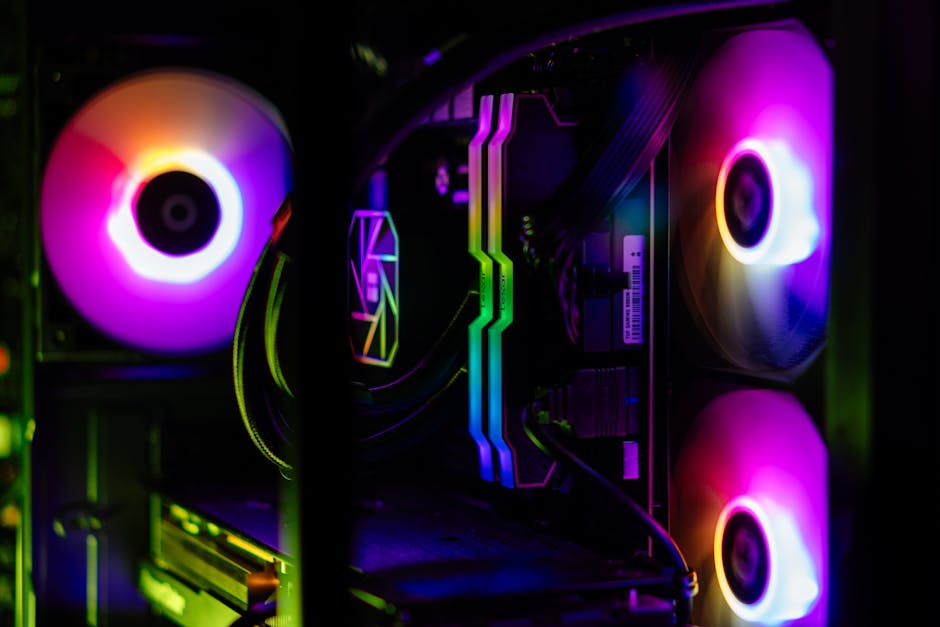
Your RGB PC Looks Fire. But Can It Actually Run Games?
31 May 2026
Spent half your build budget on glowing fans and a glass case? Same. Here's what actually decides if your PC is worth it.
So you're browsing PC parts at 1am — maybe on some builder site, maybe in a WhatsApp group with your friends — and there's this GPU that looks absolutely wild. Every review has it glowing like a Diwali decoration. And then there's a card that costs ₹3,000 less, benchmarks nearly identical, but looks like a plain brick.
You almost picked the RGB one. Be honest.
Almost every first-time builder in India falls into this. RGB is designed to make you feel like you're buying something premium. Sometimes you are. But a lot of the time, you're just buying ₹2,000–4,000 worth of LEDs that won't run a single extra frame.
What RGB Is Actually Costing You
Let's do the real math. On a ₹60,000–80,000 build — which is where most people in India are — those RGB premiums compound fast.
- RGB RAM vs plain RAM: ₹500–₹1,500 per stick
- RGB cooler vs a no-frills performance cooler: ₹800–₹2,500 extra
- Glass-panel case with RGB fans vs a solid airflow case: ₹1,000–₹3,000 more
- RGB GPU variant over the base model: ₹1,500–₹4,000
That's potentially ₹8,000+ gone on lights. In India, that gap is a real GPU tier upgrade. Or the jump from 16GB to 32GB RAM. That's the stuff you'll actually feel.
Where Your Money Should Actually Go
Here's a straight answer most posts won't give you: GPU tier beats RGB every single time. So does RAM speed and capacity. And your cooler's actual thermal performance matters way more than whether it has an ARGB ring.
If you're building for gaming:
- Spend the most on your GPU — it's doing 80% of the work
- Get 16GB dual-channel RAM minimum (32GB if you're on AM5 — trust me)
- Never cheap out on the PSU; a bad one can take your whole rig with it
- Case airflow matters more than how it looks through glass
If you're into content creation — editing, 3D, streaming:
- CPU core count and RAM capacity are your real friends
- An NVMe SSD over SATA is a difference you'll feel every single day, not just in benchmarks
- Better thermals = better sustained clock speeds = faster renders
Okay But RGB Isn't Pointless
Honestly? If you've already covered your performance bases and have budget left, RGB is genuinely fun. A lit-up build on your desk at night looks great. That's not a dumb thing to want.
The mistake is buying RGB instead of performance — not alongside it. If you can afford both, go for it. If you have to pick, always pick the part that actually performs.
Also — no cap — not all RGB is equal. Brand-name ecosystems like Corsair iCUE, ASUS Aura, or MSI Mystic Light have software that works. Random no-name RGB strips from some reseller? One colour will stop responding in four months.
The Indian Budget Reality
We don't have the luxury of a $2,000 USD budget with cheap import prices. Rupees are real, duties are real, and every component choice carries weight. What you spend on LEDs today is what you're not spending on VRAM or a faster SSD that you'll use every day for the next three years.
Two years from now, you won't think about the RGB. You'll think about the frame drops you could've avoided, or the render time you could've cut in half.
Build for what you'll actually use — the rest is decoration.
If you're putting a rig together and want components actually worth your money, check out our collection. No fluff, just options across budgets.
Written By Ashok Kumar, tech specialist at Styleus